Invoice
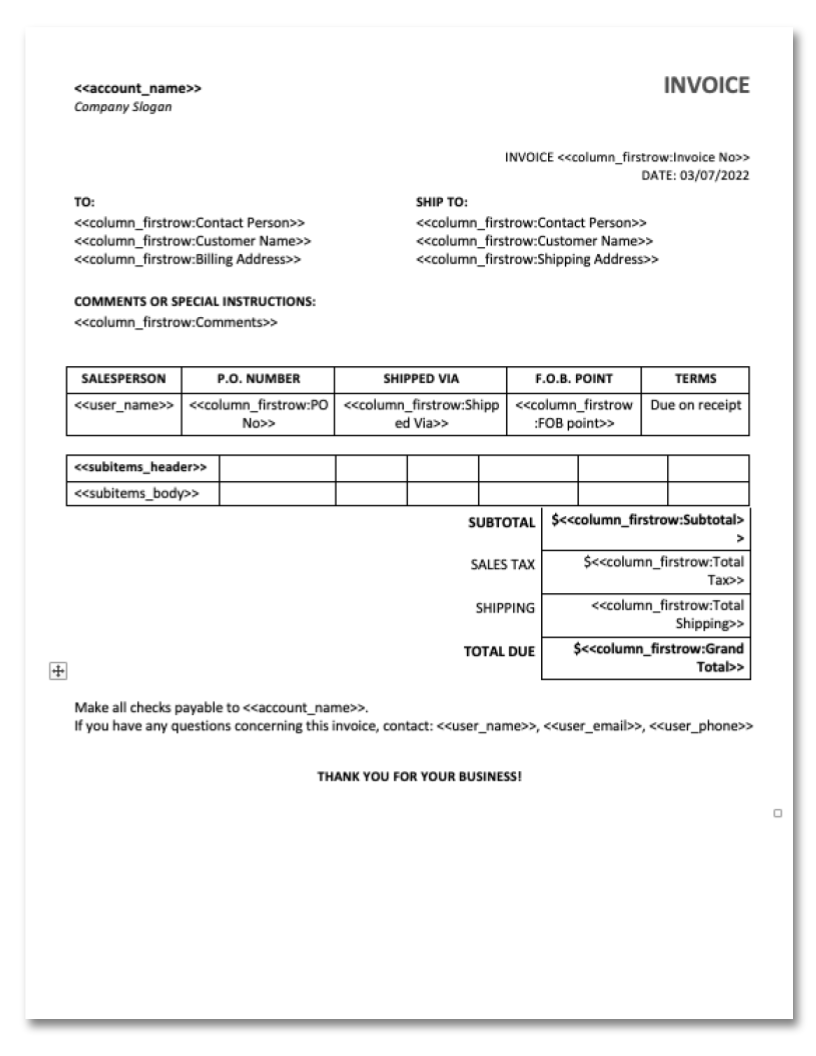
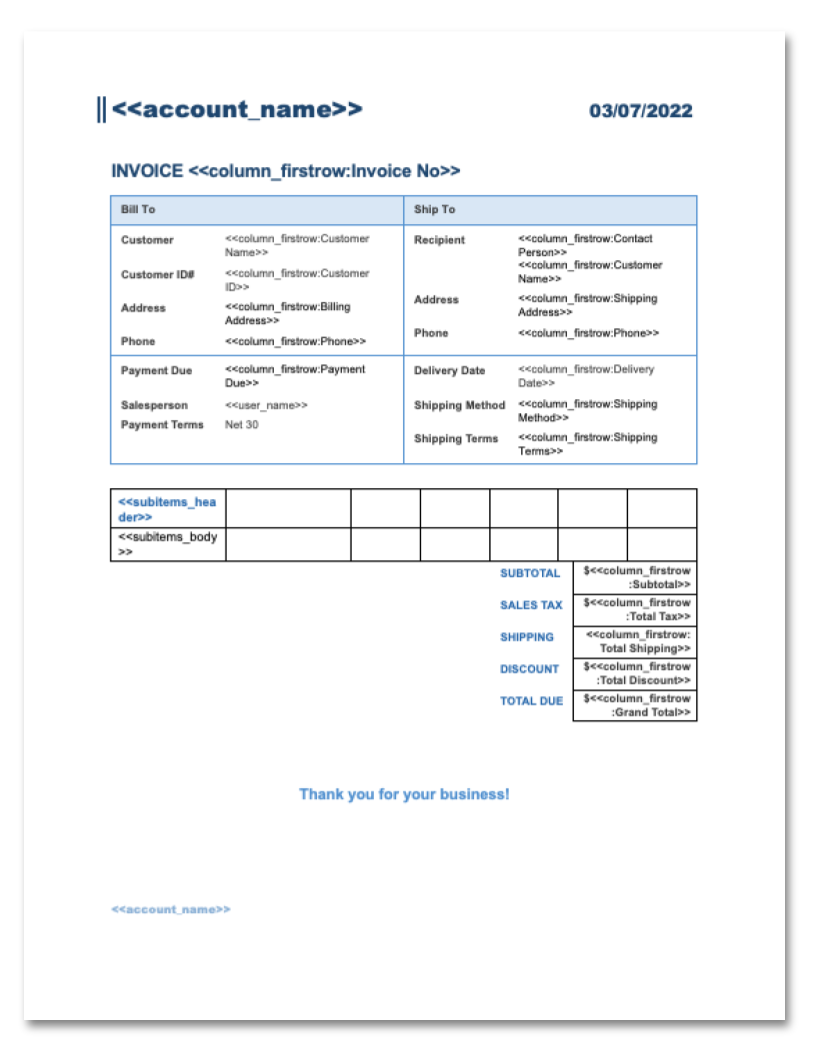
Bill-to and ship-to blocks, PO number, terms and line items.
Every template below comes with DocuGen. Install the app, pick your template and it will populate from the HubSpot record or a monday.com item.
To use these templates, install DocuGen on HubSpot or monday.com. You'll have access to these templates, and they will populate with your data automatically from a Hubspot record or monday.com item.
Bill-to and ship-to blocks, PO number, terms and line items.
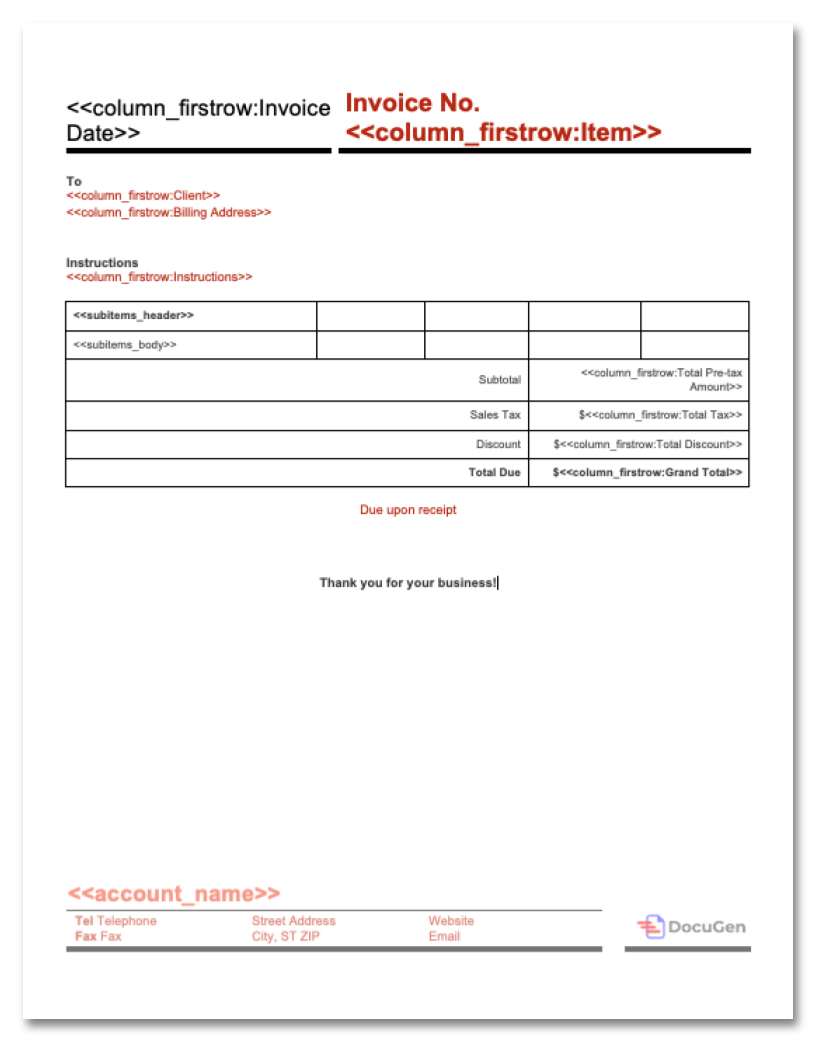
One page. Line items, tax, discount and total due.
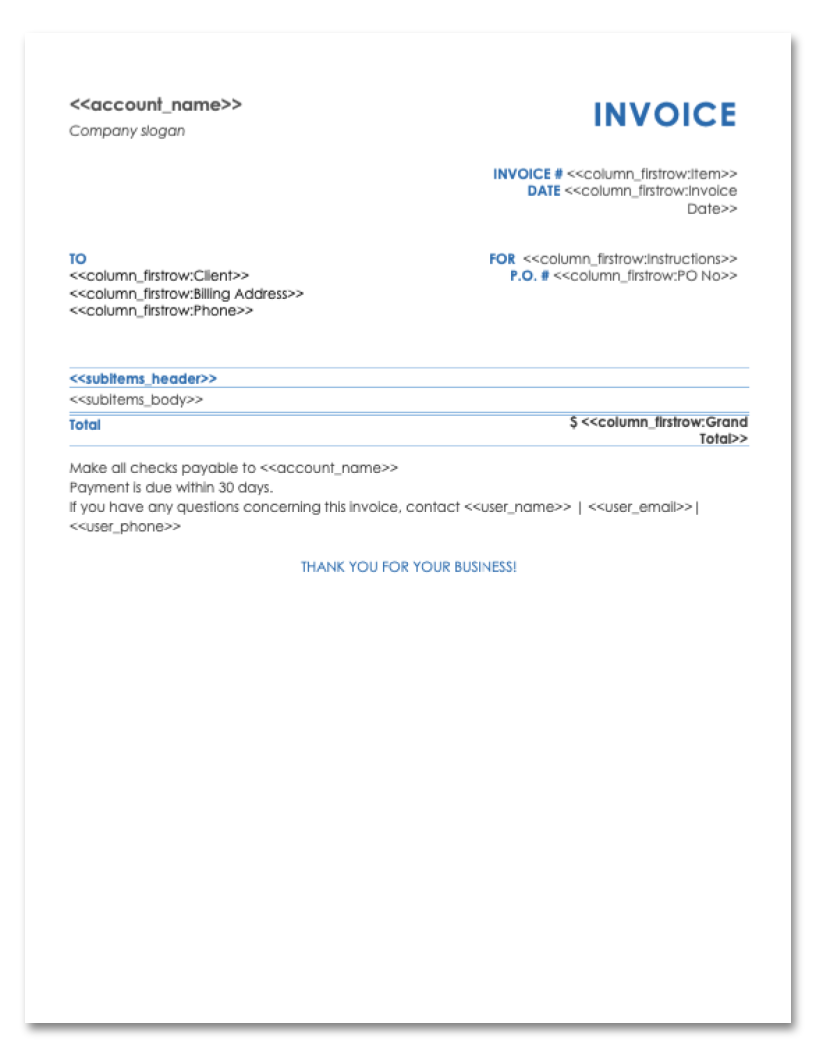
Line items with a PO number, payment terms and a 30-day due note.
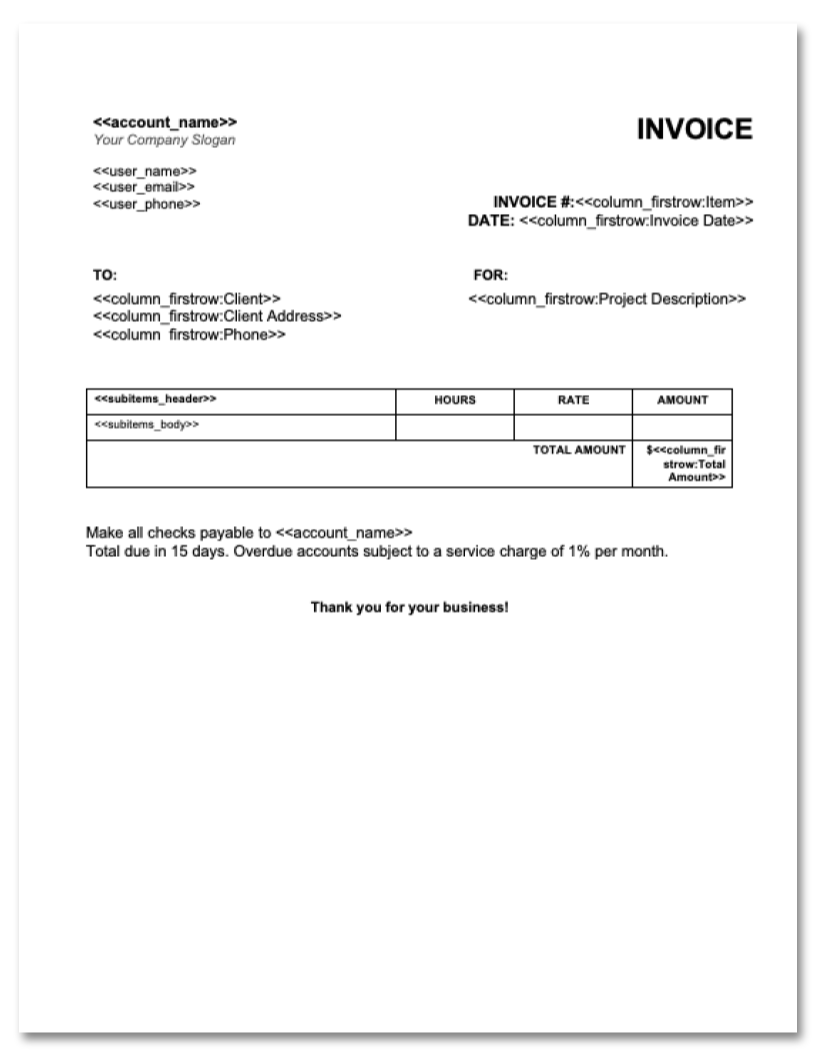
Hours, rate and amount per line, under the project description.
Ship-to address, carrier, F.O.B. point and terms beside the line items.
Bill-to and ship-to, delivery date, Net 30 terms and a discount line.
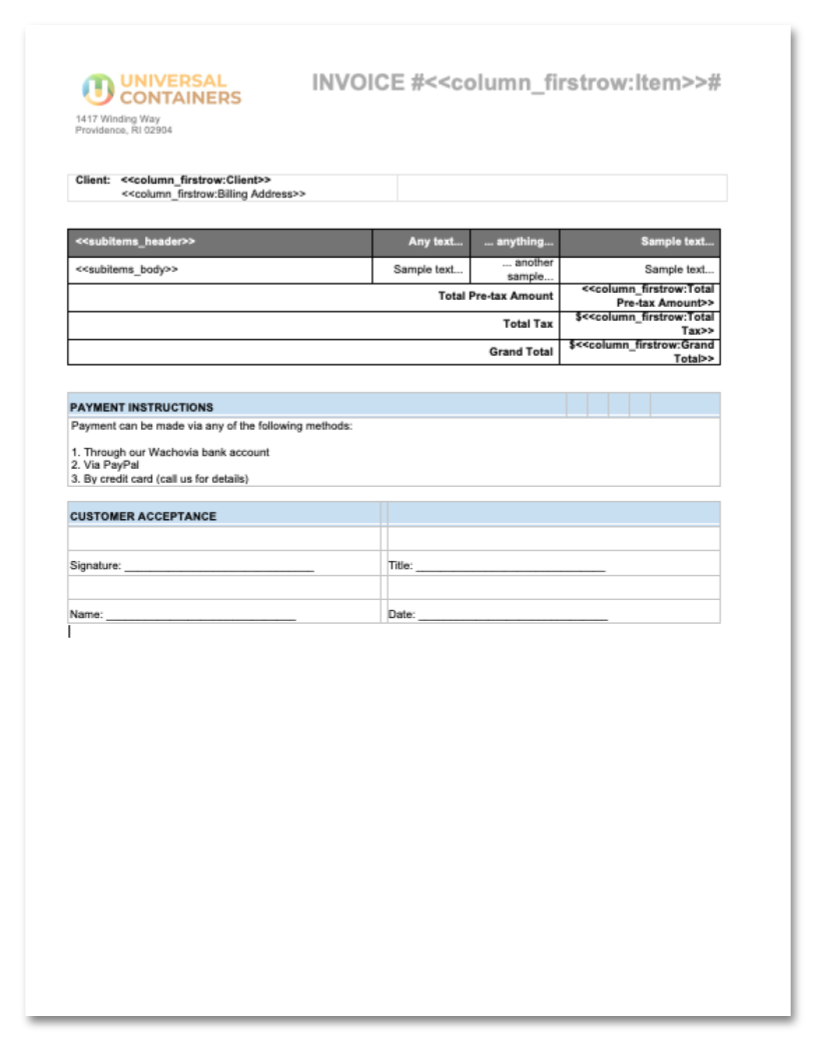
Client, line items and totals, with payment instructions and a signature block.
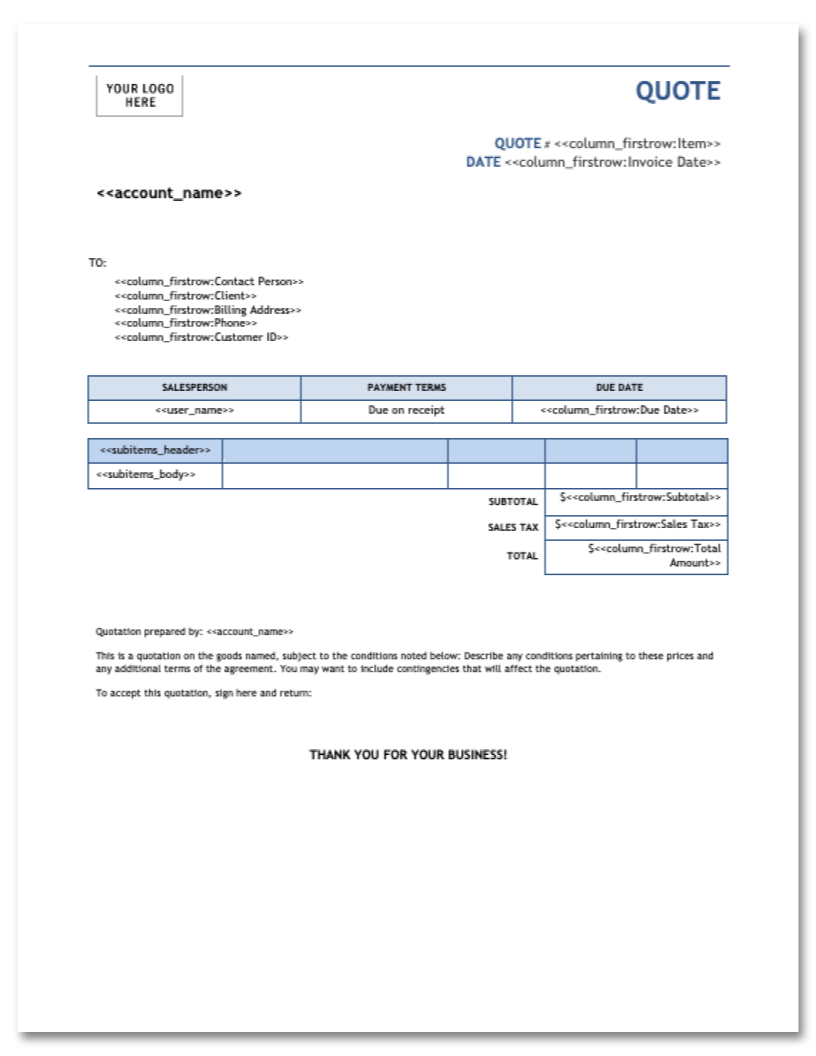
Quote number, payment terms, due date and an itemised table with tax.
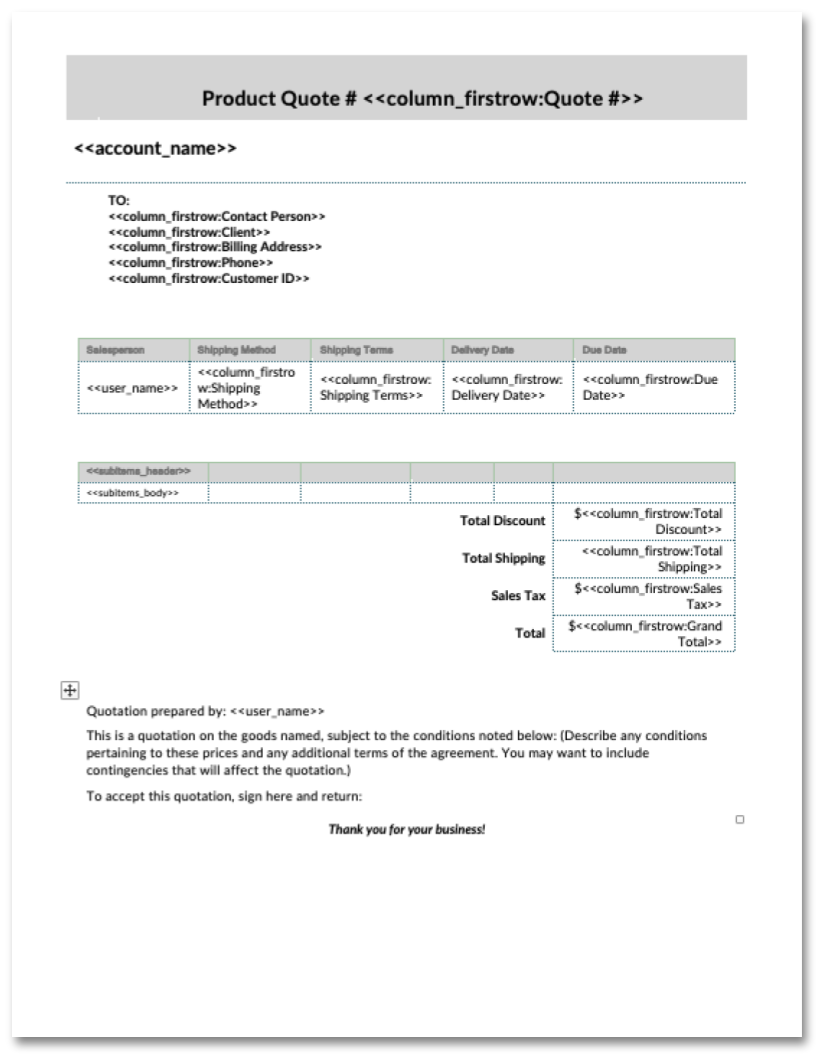
Shipping method, terms and delivery date beside the quoted items.
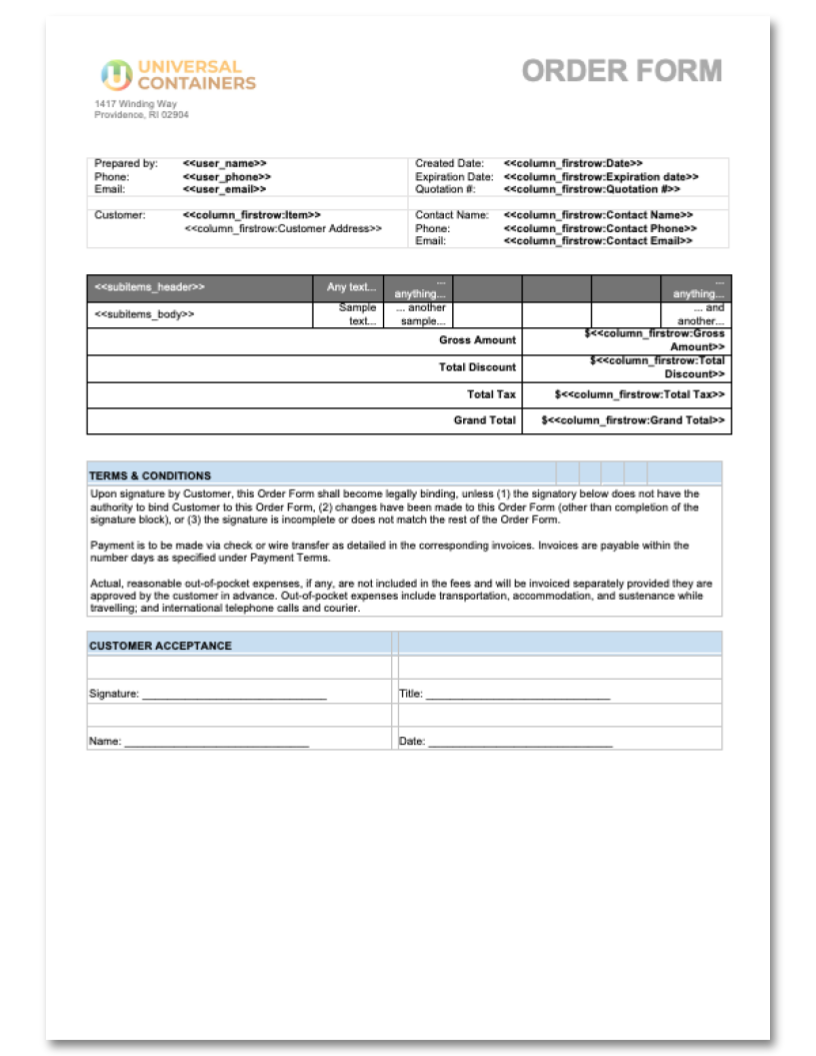
Quotation number, expiry date, customer contact details and the ordered items.
Prepared-by and customer blocks, an expiry date and the proposed items.
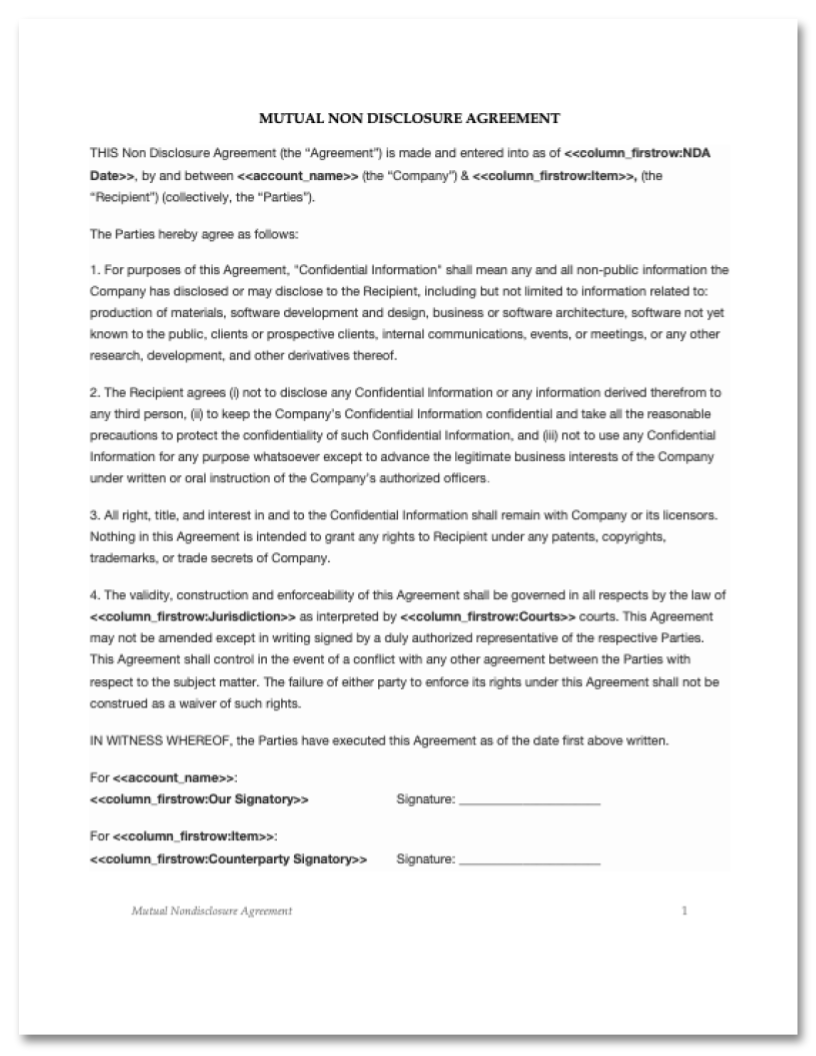
Both parties, the date and the confidentiality terms, ready to sign.
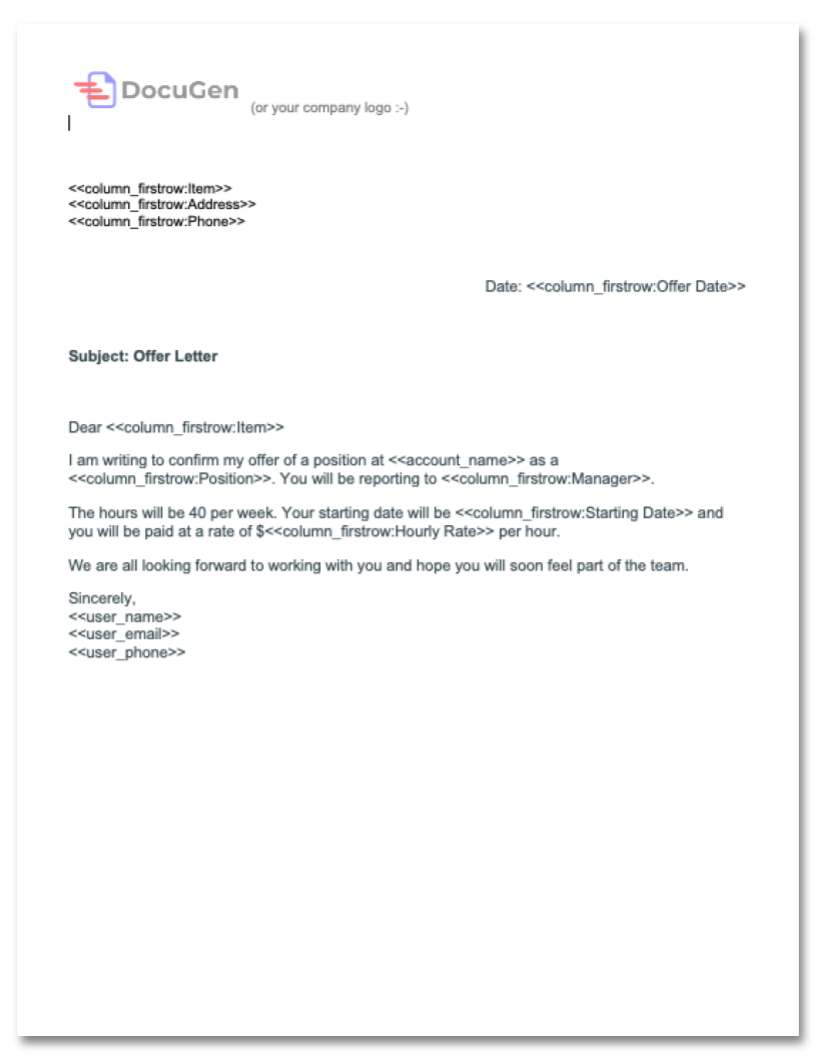
Position, manager, start date and pay rate, addressed to the candidate.
Install once and every template above is in your portal. Generate from a deal, company, contact, ticket or order, and the finished PDF attaches to the record.
Add DocuGen to HubSpot →The same library sits on every monday.com board. Generate from any item, and DocuGen saves the finished document back to that item.
Add DocuGen to monday.com →Install DocuGen on HubSpot or monday.com, open a template, and send the finished document in one click.