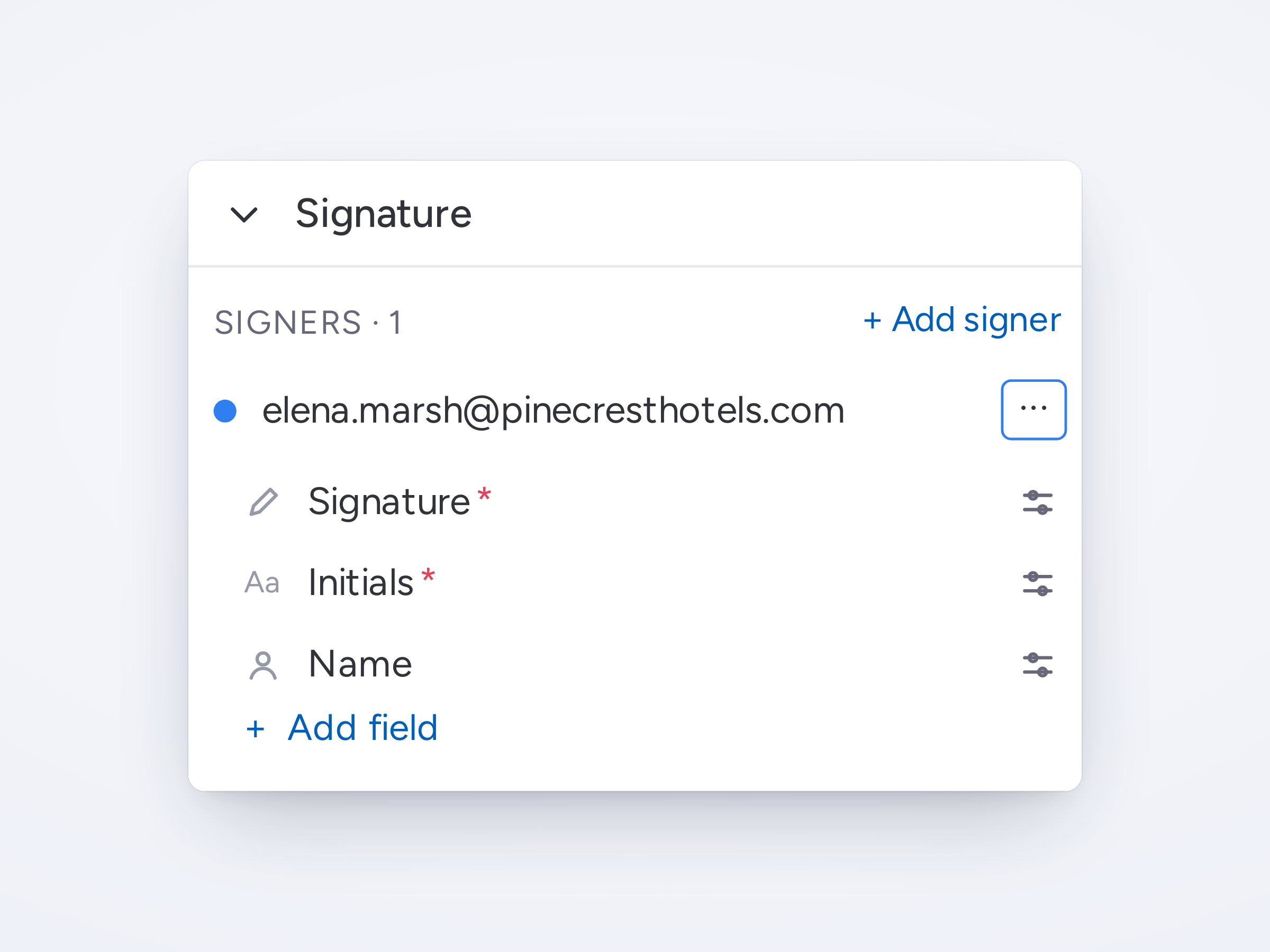
Generate and sign in one stepPlace signature fields once in the template, and DocuGen keeps each field with its text as the document grows.

Generate and sign in one stepPlace signature fields once in the template, and DocuGen keeps each field with its text as the document grows.
Merge templates into one PDFCombine a contract and its terms, so your signer gets one document to sign.
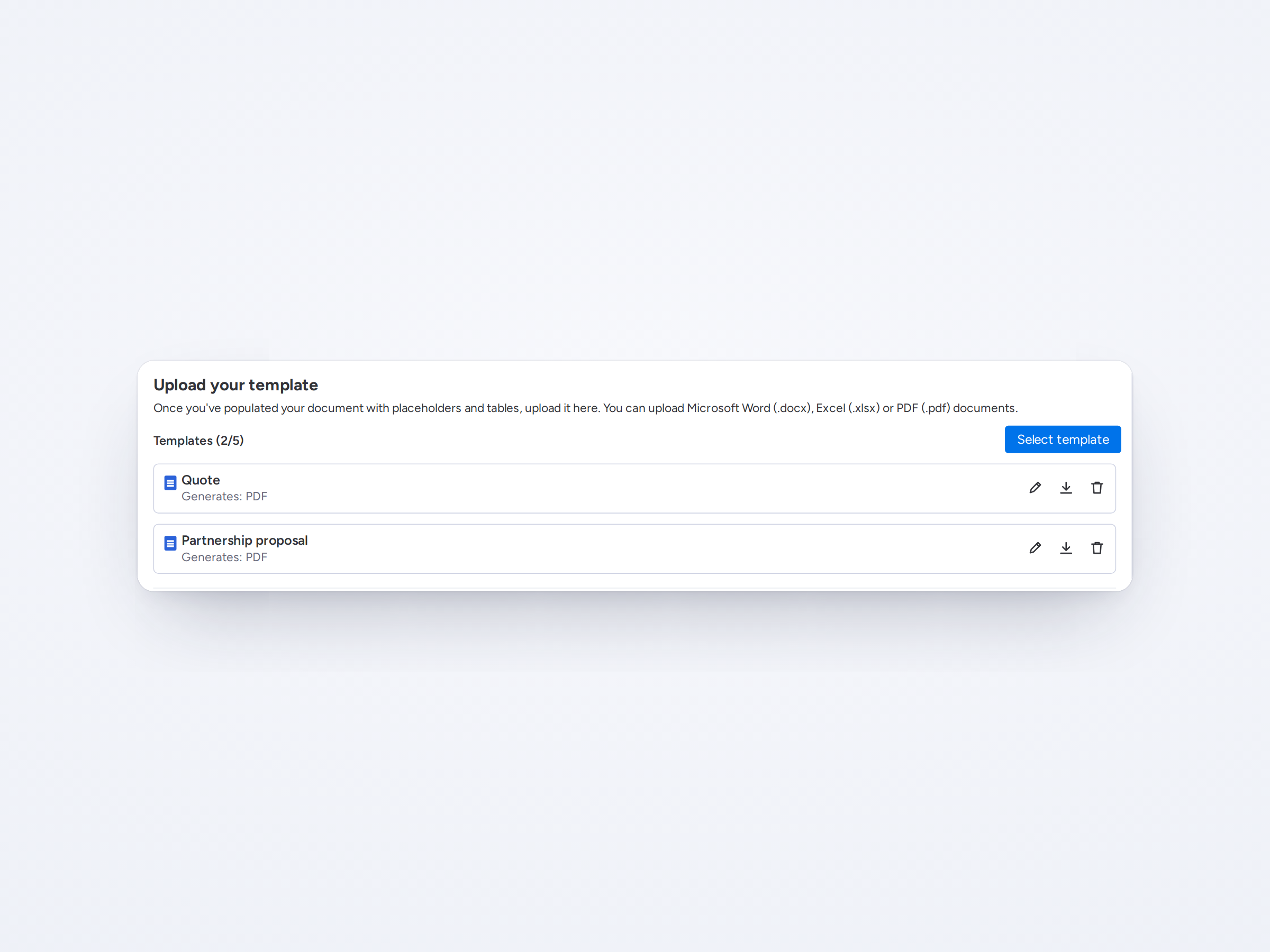
Several templates in one document setupAdd Word, PDF and Excel templates to one document setup, and generate them all in one go.
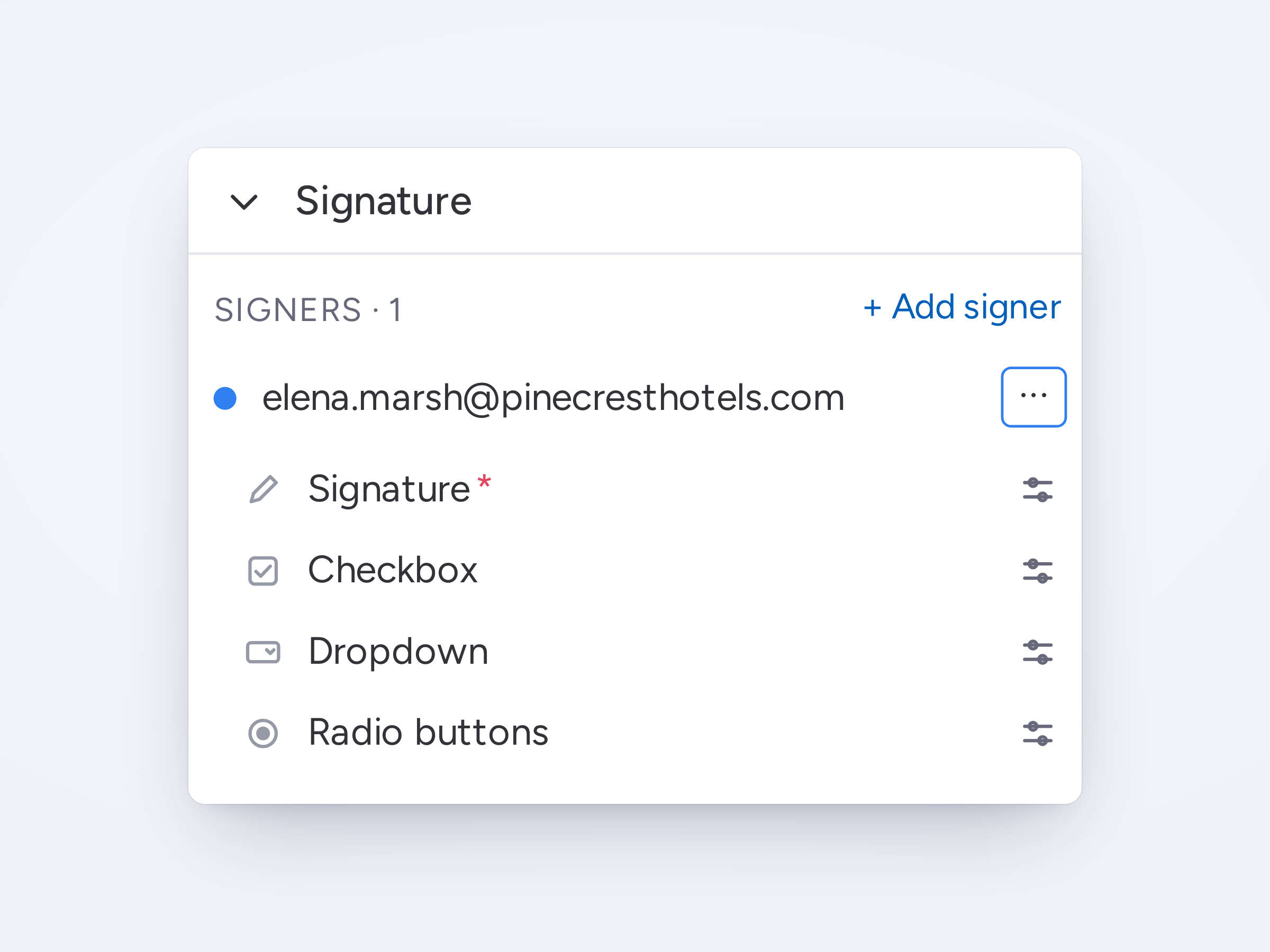
More field types for signersAdd checkboxes, dropdowns and radio buttons to the document for your signers to fill in.
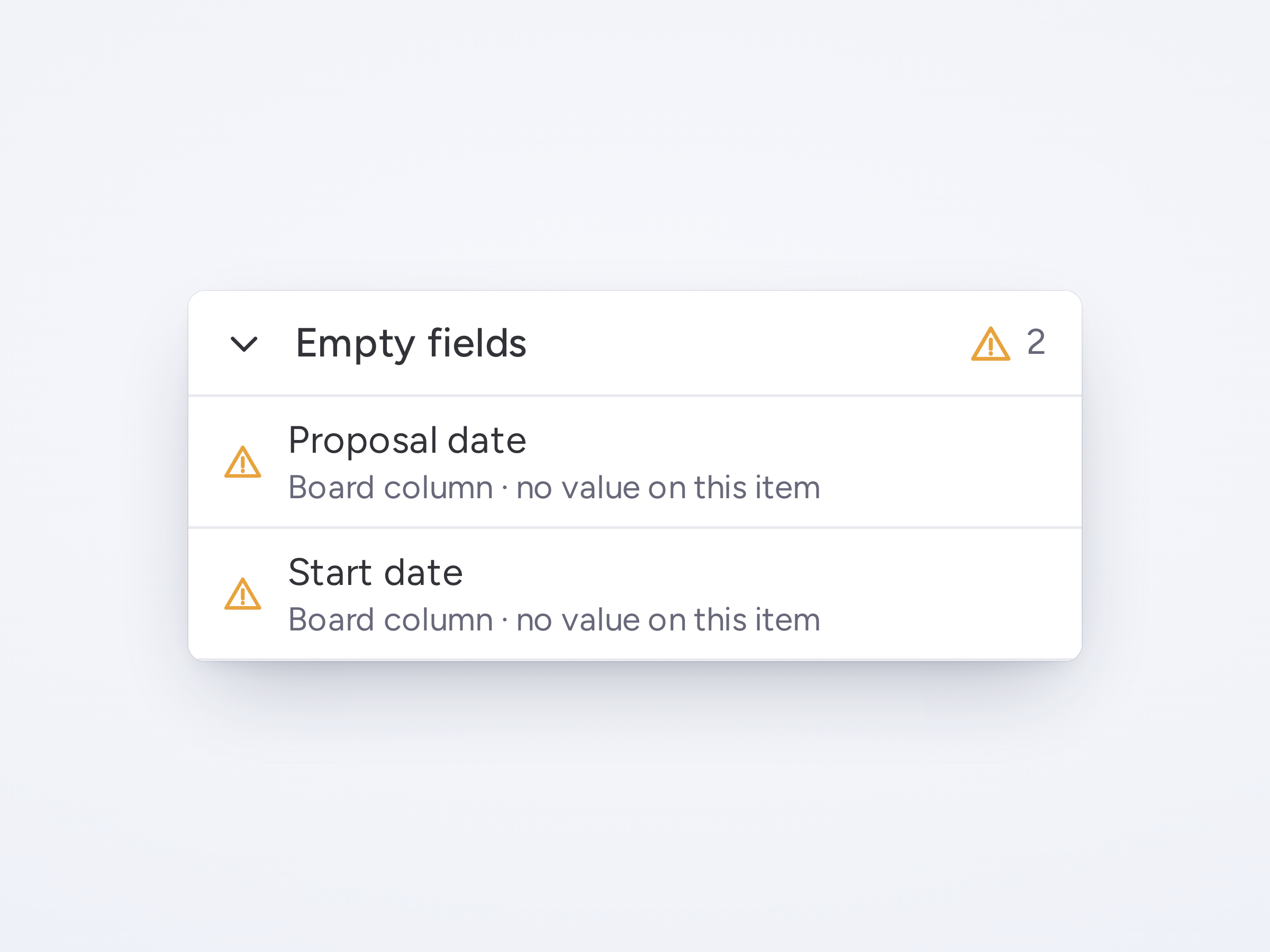
Missing fields listed before you generateBefore you generate, DocuGen flags any field with a problem, like an empty value or a deleted column.

21 ready-made templatesPick a template by category, or drag in your own Word, Excel or PDF file.