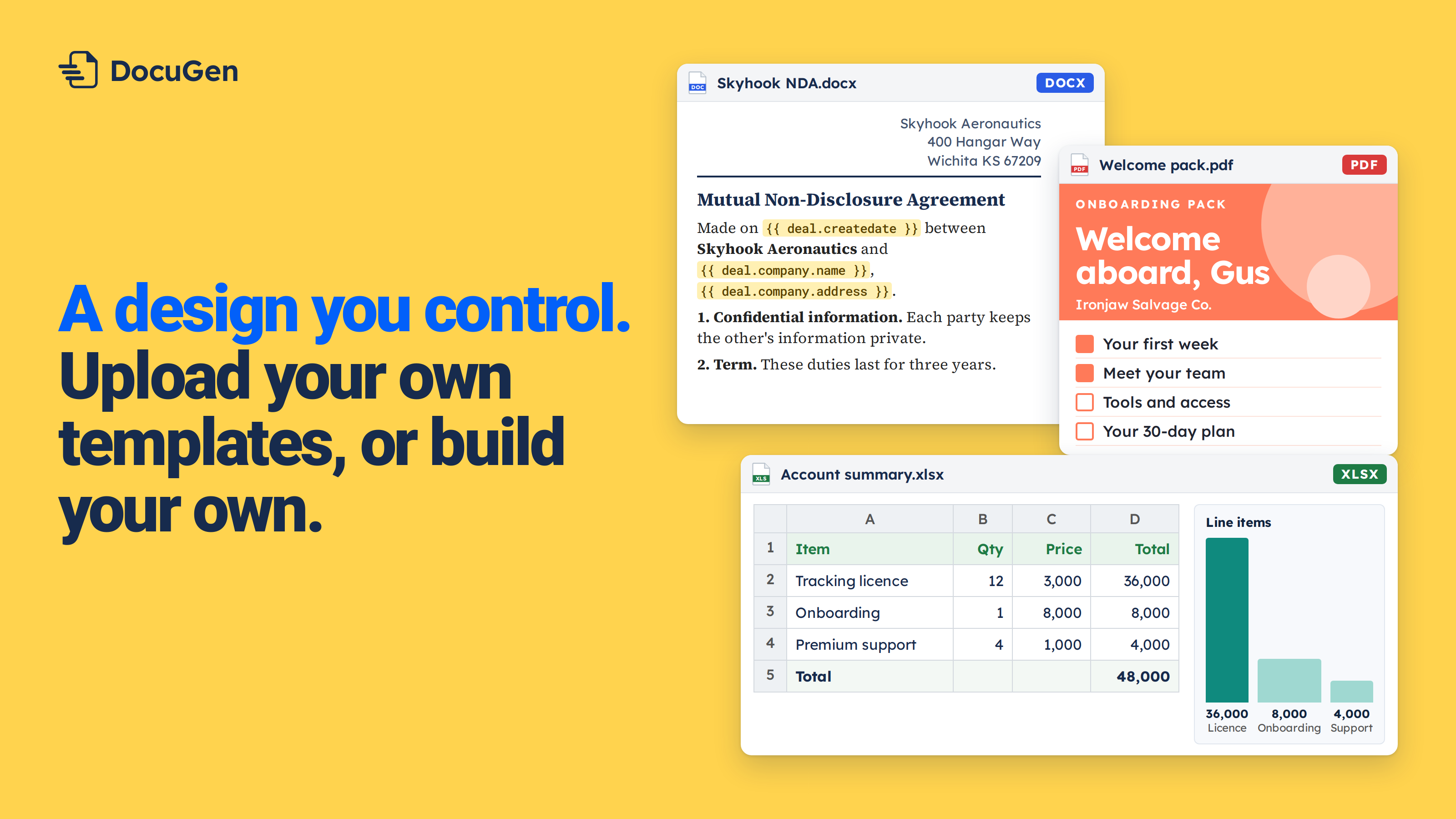
DocuGen maps every property on a HubSpot deal, standard and custom, into a Word template.
DocuGen reads every property on a HubSpot record: standard properties, custom properties, associated records and line items. DocuGen works with deals, contacts, companies, tickets and custom objects (supported HubSpot objects). When a team creates a new custom property in HubSpot, the property appears in DocuGen the same day.
Upload a Word template, open the Placeholders panel, and every property group on the record appears: Deal, Owner, Companies, Contact and more (Insert HubSpot properties into your documents). Click a property name to drop a placeholder into the template — for example, {{ deal.dealname }}.
Standard and custom properties sit together in every group. The free plan covers up to 400 docs per account per month, as of November 2026.
Below, we walk through building an account review that uses two custom deal properties.
The example uses a fictional company called Corvane and two custom properties from the deal record: "Renewal date" and "Account tier."
1
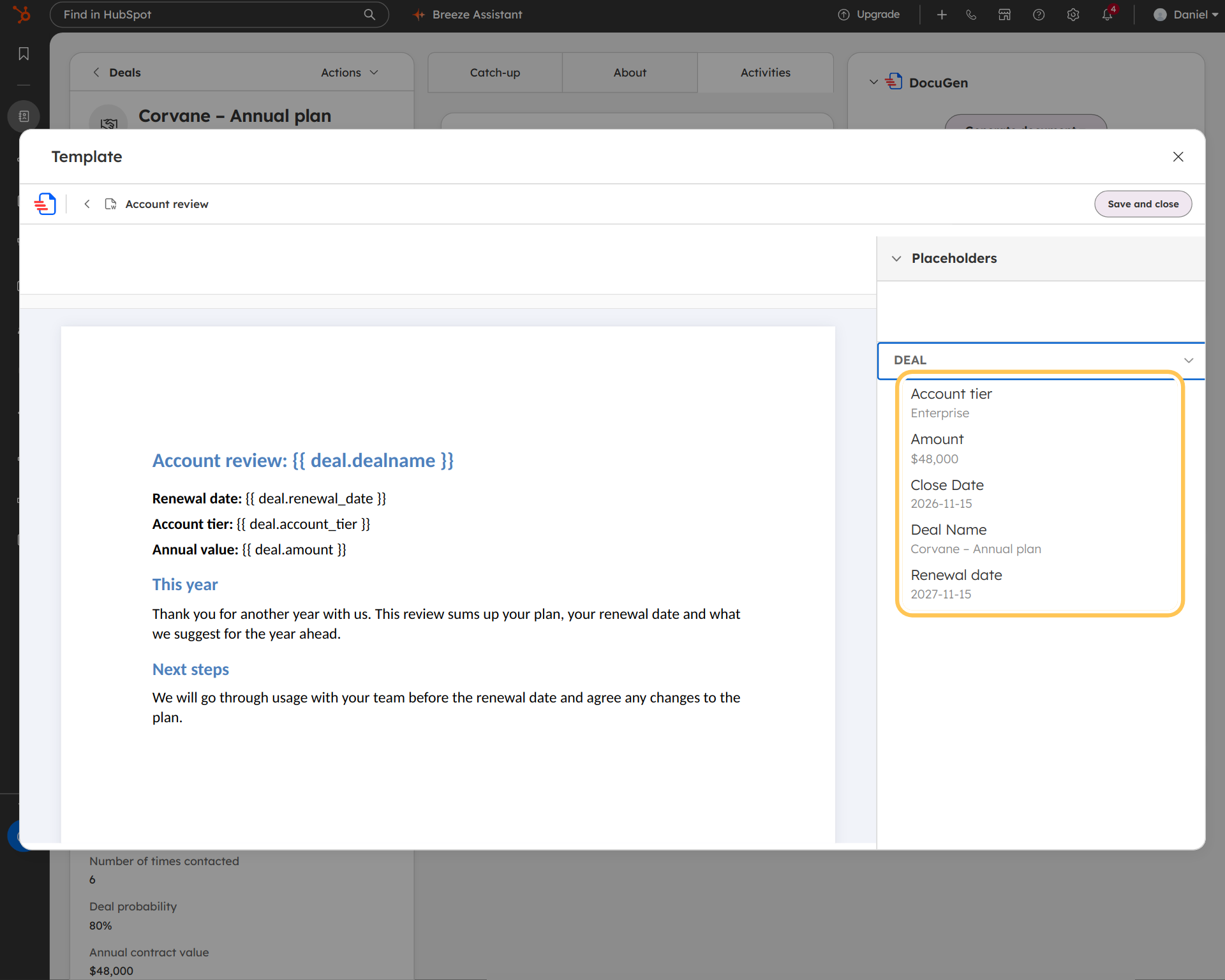
Create a recipe for the account review. Click Edit on the template, and the Placeholders panel lists every property group on the deal.
Open the Deal group. Standard and custom properties sit together: Deal name, Amount, Close date, and two custom fields, "Renewal date" and "Account tier."
2
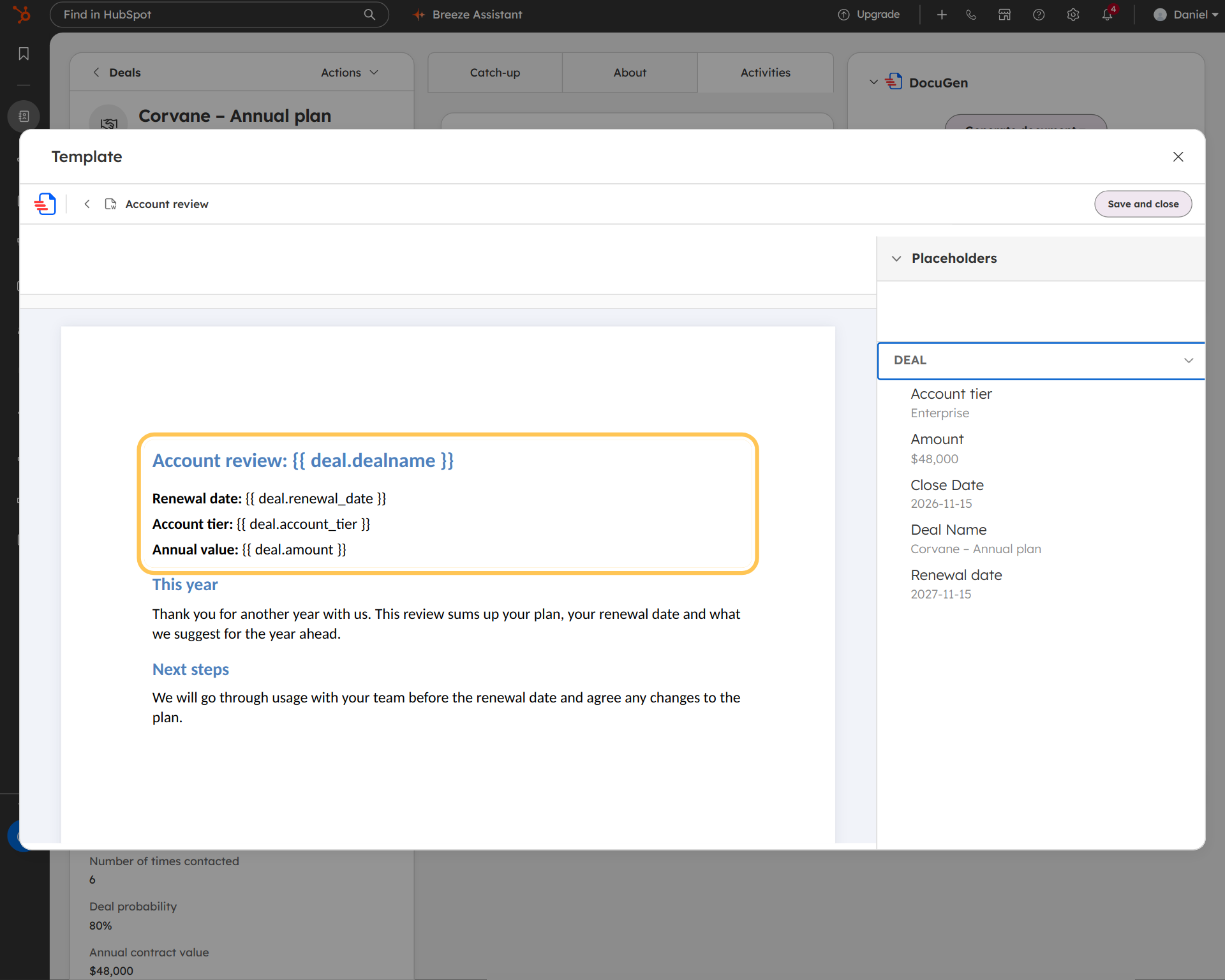
Click a property name to add a placeholder to the document. In the example, the header uses {{ deal.dealname }}, and the body includes {{ deal.renewal_date }} and {{ deal.account_tier }}.
New custom properties appear in the panel as soon as a team creates them in HubSpot. Associated company and contact properties work the same way, and so do line items.
3
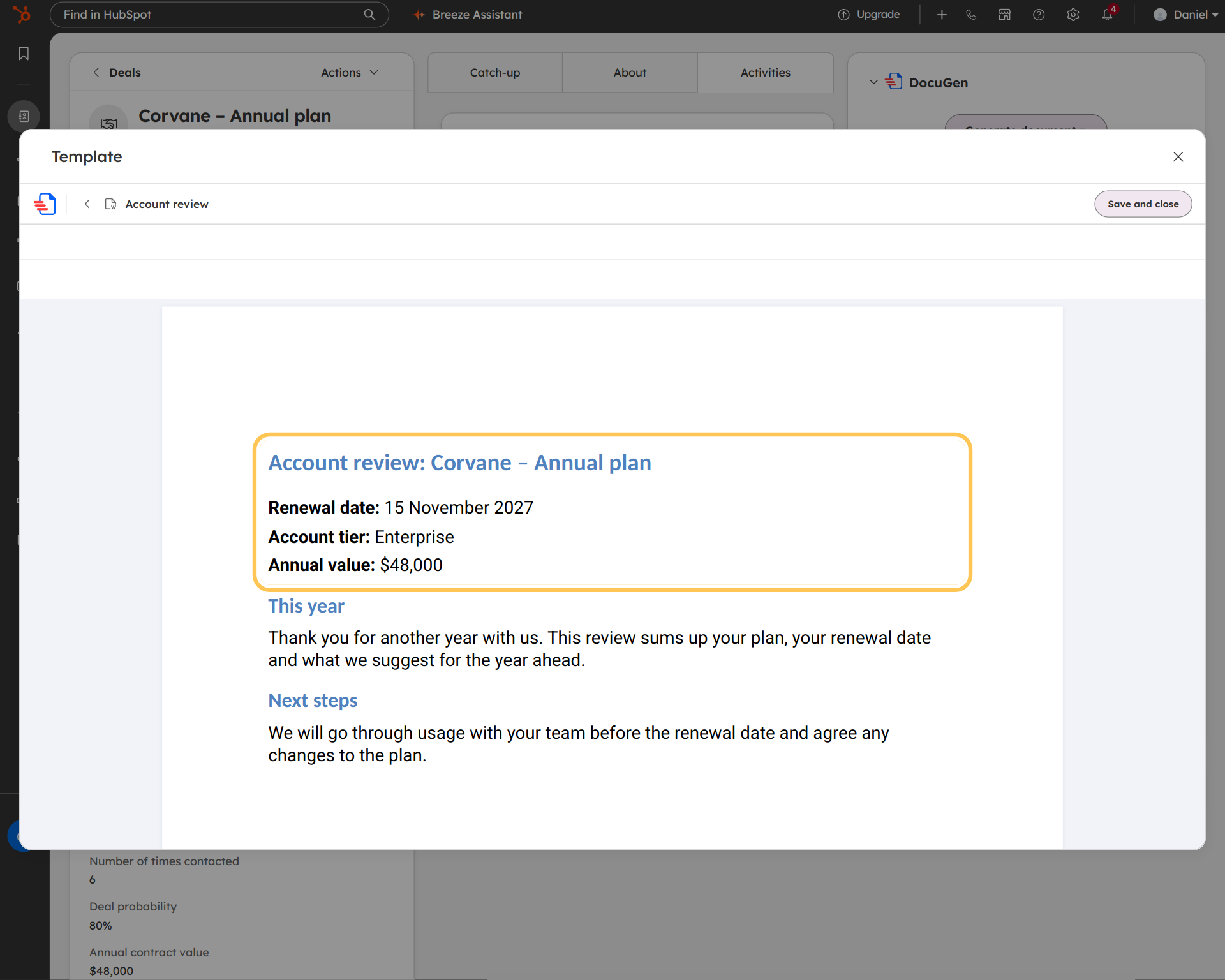
Click Preview and every property fills from the deal. In the screenshot, the renewal date shows "15 November 2027" and the account tier shows "Enterprise."
Add “Payment terms” or “Client region” to any record — deals, contacts, companies, tickets or custom objects — and the properties appear in DocuGen the same day. Every HubSpot custom property works in templates, workflows and e-signature recipes.
Custom properties work in HubSpot workflows too. A workflow can generate a doc from the record, including every custom property (see generate documents from a HubSpot workflow).
DocuGen for HubSpot: free for up to 400 documents, or up to 80 e-signed docs, per account per month, with unlimited users and no watermarks, as of November 2026.
Install DocuGen from the HubSpot Marketplace.
No. The free plan supports every HubSpot property type, including custom properties and line items, for up to 400 documents per account per month, as of November 2026.
Yes. The Placeholders panel lists every associated object on the record: Companies, Contact, Owner and more. Click a property from any group and DocuGen drops the placeholder into the template.
The new property appears in the DocuGen editor right away. No update and no setup step. Open the Placeholders panel, find the property in its group, and place the tag in the template.
Yes. Workflows generate documents from the record, and the record includes every custom property. Set up the template with custom-property placeholders, add the recipe to a workflow, and the workflow generates the document with every custom property filled.
Published 12 Nov 2026
· Updated 12 Nov 2026

 Add to monday
 Add to HubSpot