How-tos for generating and signing documents from HubSpot and monday.com.
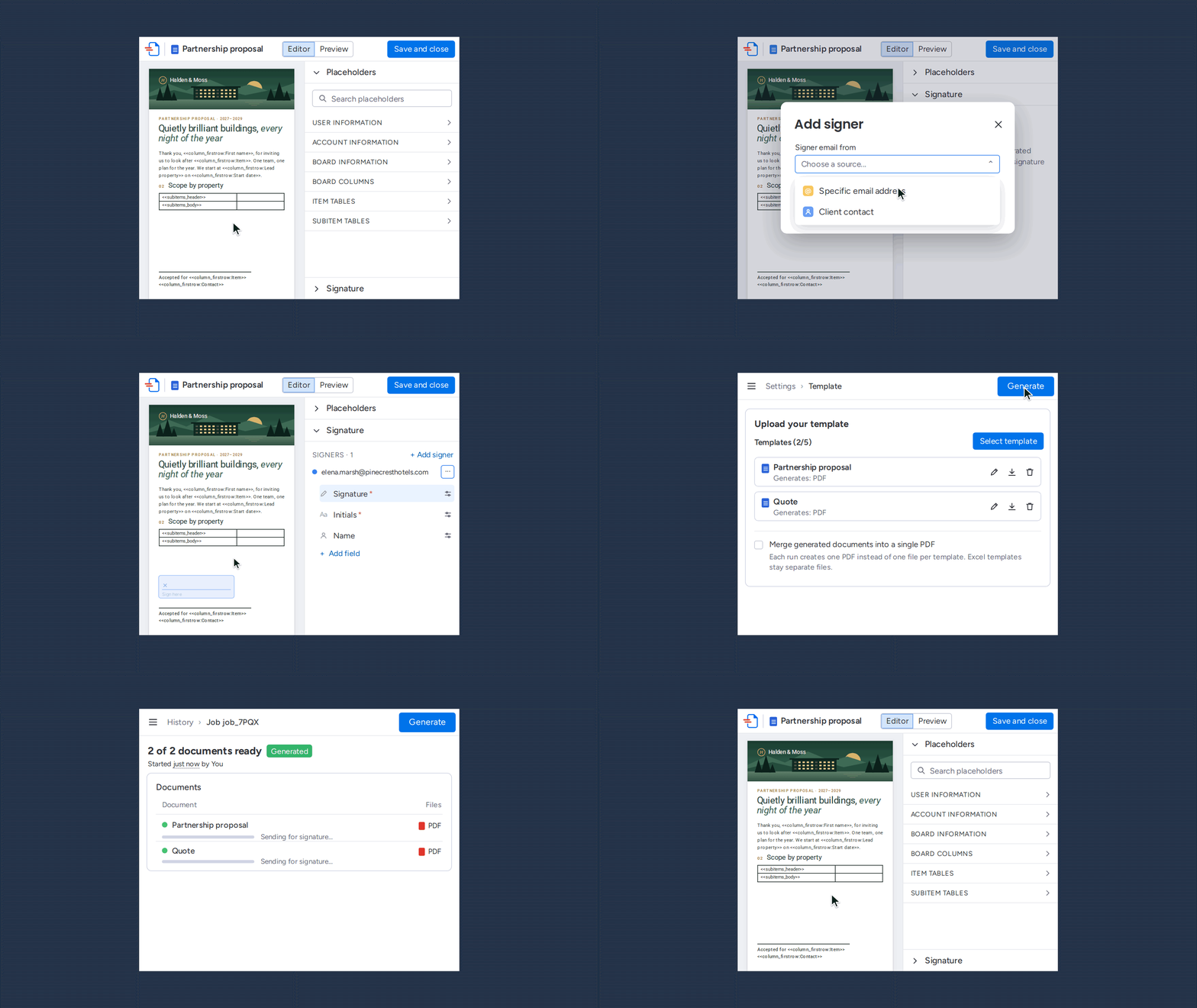
Put an internal reviewer first in the signing order with no fields. They can only approve or void — nobody else sees the document until they’re done. We set it up with an NDA.
Create a document with DocuGen
The HubSpot Documents tool tracks sharing. DocuGen builds the file from deal data. Teams that need both use both — build with DocuGen, share and track with Documents.
Documents from a workflow

A workflow action that builds an onboarding pack from deal data at Closed Won.
Custom properties in documents

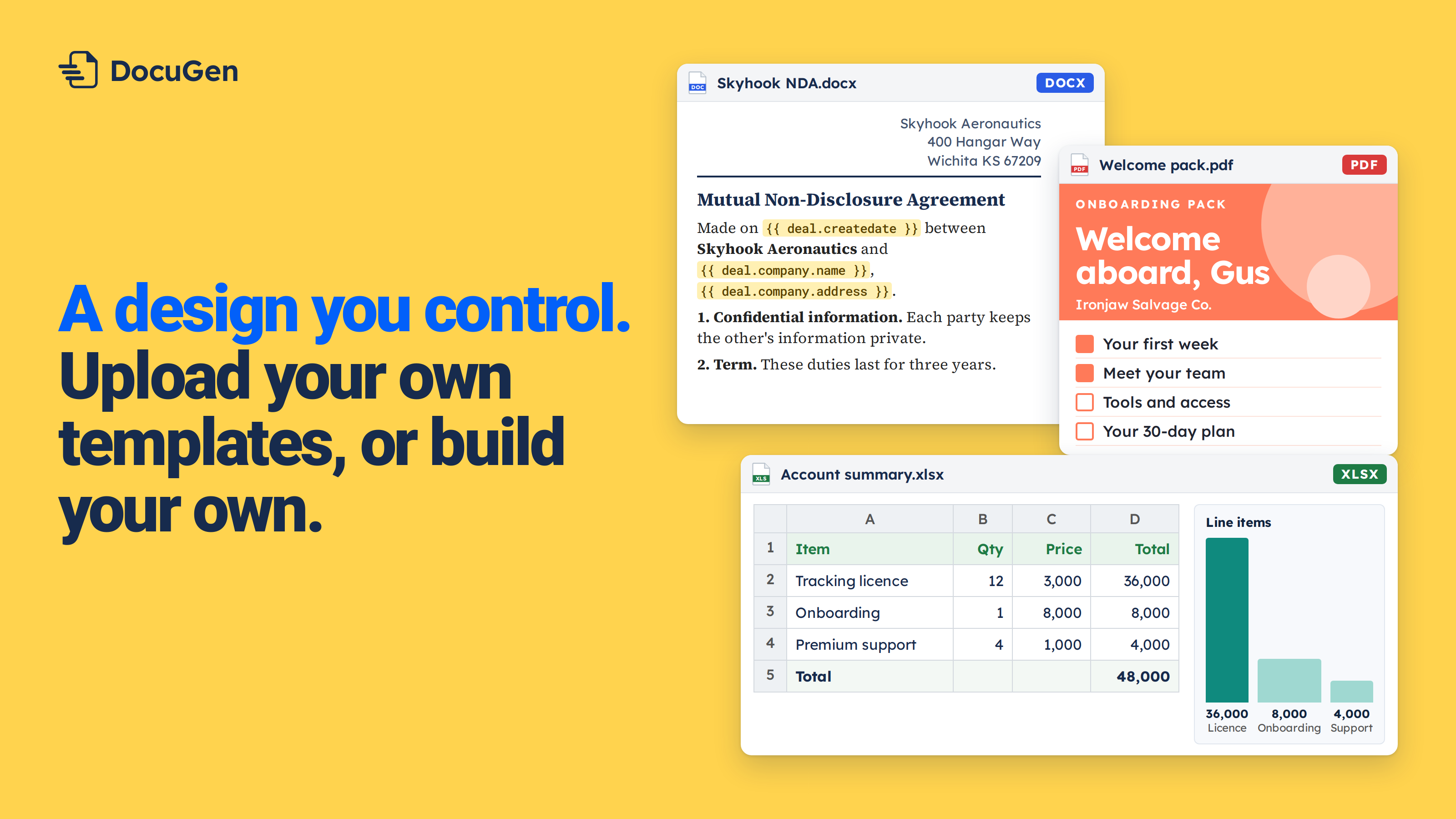
DocuGen maps every property on a HubSpot deal, standard and custom, into a Word template.
DocuSign or DocuGen for HubSpot?

With other signing apps, you leave HubSpot. DocuGen keeps the full signing flow on the deal record.
Form submission to PDF

The feature HubSpot Community threads keep asking for. One click turns contact properties from a form into a finished PDF.
HubSpot e‑signature limit

Signatures on quotes sit in the Acceptance section with a monthly cap. DocuGen places fields anywhere on any page.
Fill your own PDF templates

Upload the .docx your team uses today, map columns to placeholders, click Generate.

 Add to monday
 Add to HubSpot