Pick your template and the document fills in from a monday.com board item.
Also available: HubSpot document templates →
Install DocuGen on monday.com to use these templates.
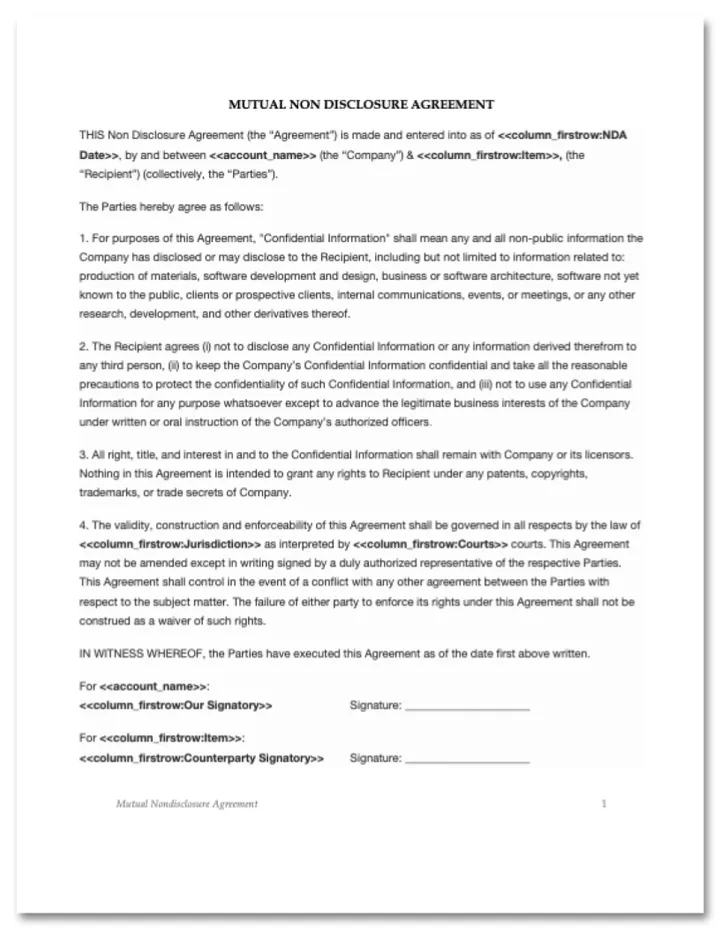
Both parties, the date and the confidentiality terms, ready to sign.
 monday.com
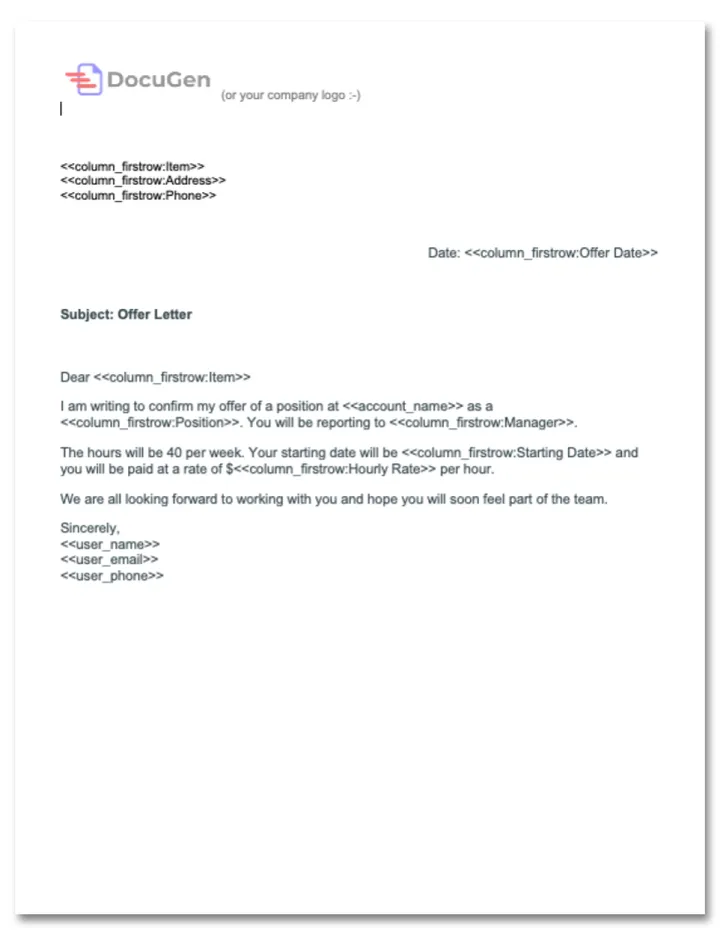
Position, manager, start date and pay rate, addressed to the candidate.
monday.com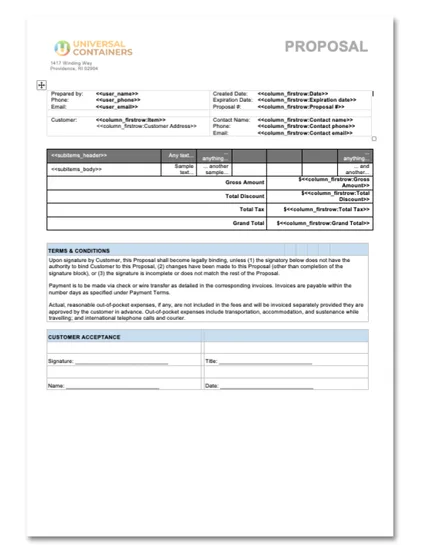
Prepared-by and customer blocks, an expiry date and the proposed items.
monday.com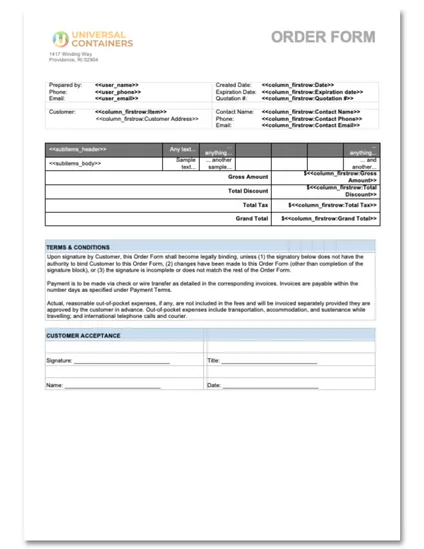
Quotation number, expiry date, customer contact details and the ordered items.
monday.com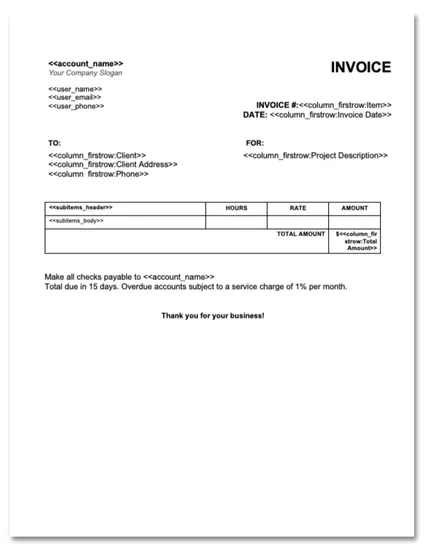
Hours, rate and amount per line, under the project description.
monday.com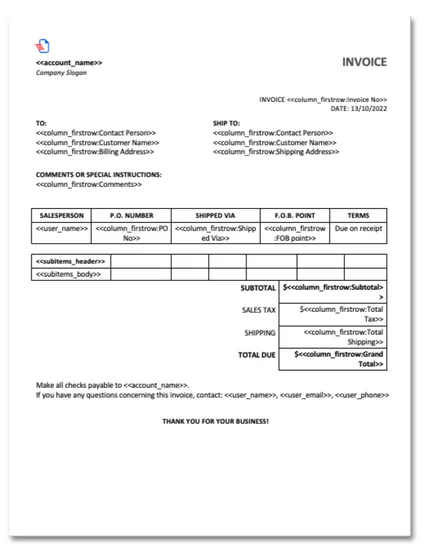
Bill-to and ship-to blocks, PO number, terms and line items.
monday.com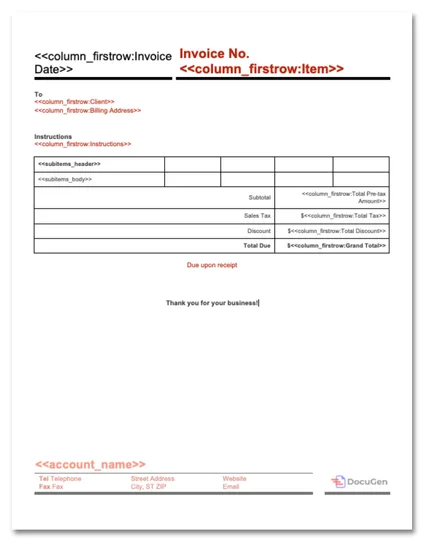
One page. Line items, tax, discount and total due.
monday.com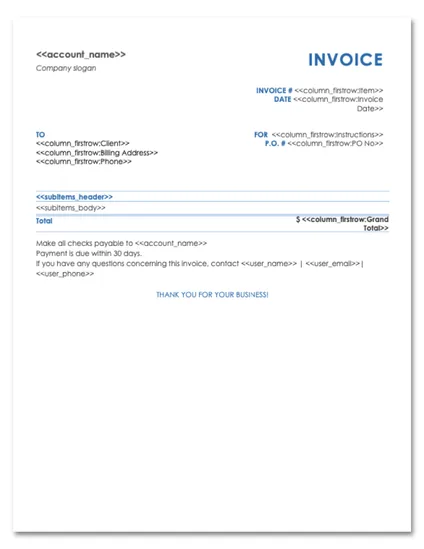
Line items with a PO number, payment terms and a 30-day due note.
monday.com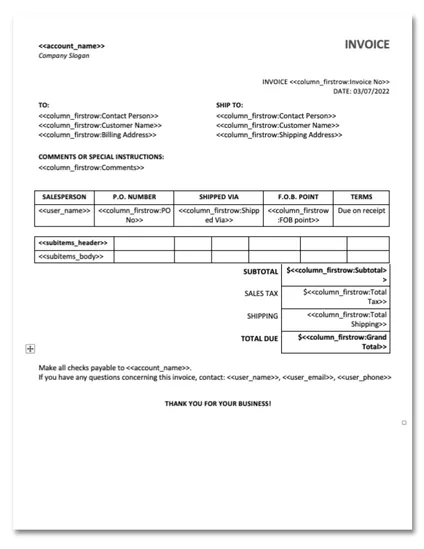
Ship-to address, carrier, F.O.B. point and terms beside the line items.
monday.com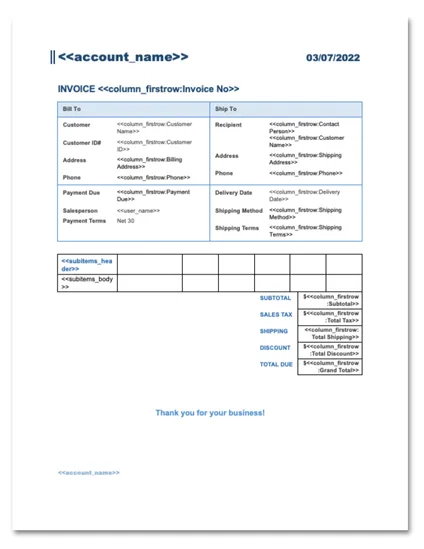
Bill-to and ship-to, delivery date, Net 30 terms and a discount line.
monday.com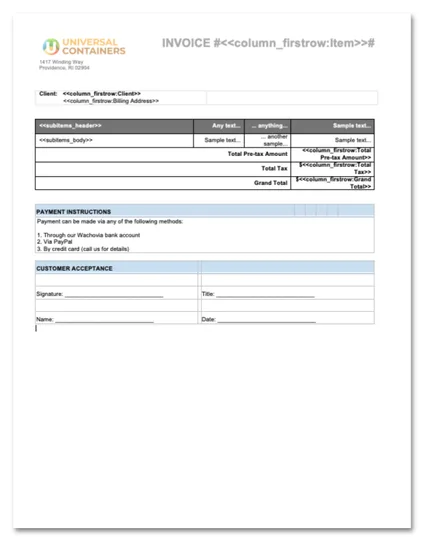
Client, line items and totals, with payment instructions and a signature block.
monday.com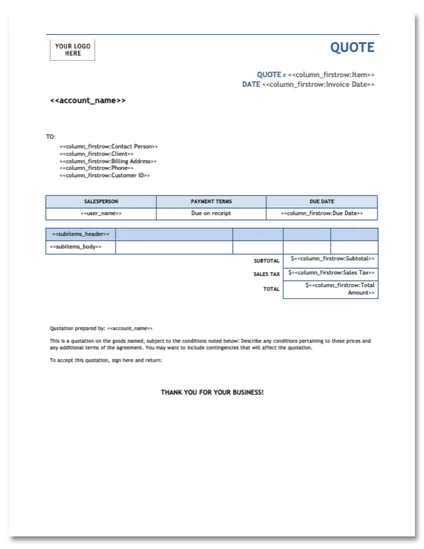
Quote number, payment terms, due date and an itemised table with tax.
monday.com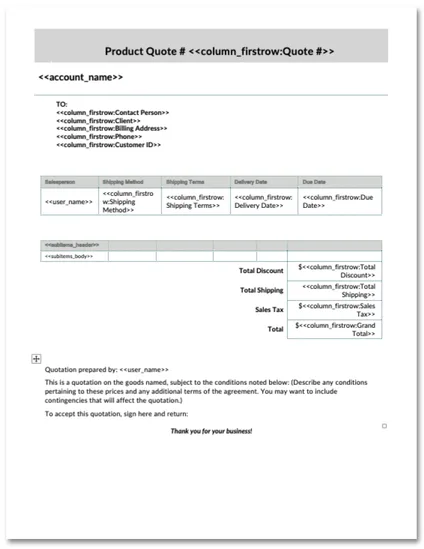
Shipping method, terms and delivery date beside the quoted items.
monday.commonday.com
Every template in the gallery works on any monday.com board after install. Open an item and pick a template.
The document fills in from the item's columns and subitems. The finished PDF, Word file or Excel report saves to the item.
Add e-signature with DocuGen Sign. Pick an Email column for each signer and send the document for signature from the board.
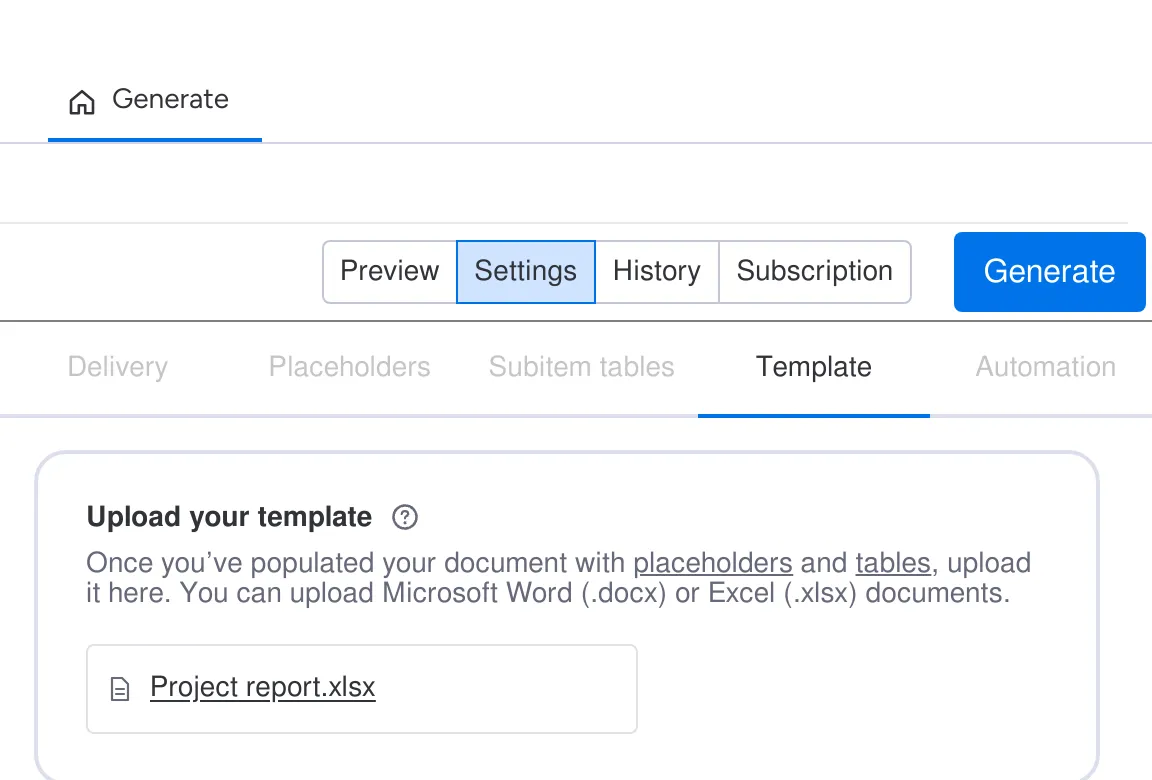
Upload your own .docx or .xlsx file alongside the gallery templates. The layout, logos, headers and formatting carry over.
monday.com columns go into the template from the Fields panel.
Install DocuGen on monday.com and pick a template. Send the finished document in one click.

 Add to monday
 Add to HubSpot